9 ways to use NFC
Never run out of cards at an expo
One NFC card works for every visitor at your stall. People tap it and save your contact before they walk to the next stand.
Share the brochure at the moment of interest
Add your product brochure, price list or catalogue as a button. The prospect has it on their phone instead of a printed copy that gets left behind.
Book the follow-up meeting there and then
Add a Calendly or Google Calendar booking link. Prospects pick a time while the conversation is fresh.
Start a WhatsApp conversation instantly
A WhatsApp button with a first message like "Hi, we met at the expo" puts you in their chat list with context.
Collect leads from your own card
Turn on the enquiry form. Visitors leave their name and number, and you get the lead by email and in your account.
Know which events worked
Insights show how many people opened your card by day and city, so you can compare events and roadshows.
Same look for the whole team
Every salesperson gets a card in the company design. Update a phone number or title once and it changes everywhere.
Hand over accounts when someone leaves
Pause a departing person's card or point it to the new account manager, so customers never reach a dead number.
Wristbands and badges for large events
For conferences, NFC wristbands or badges can open the event schedule, the sponsor list or a registration form.
What to put on your page
Keep it short. These are the buttons people look for first, in this order:
- Name, title and company
- Save contact button (first)
- WhatsApp and call
- Brochure or catalogue
- Book a meeting link
- Enquiry form turned on
Setup checklist
- Agree one company design and the buttons every salesperson needs.
- Send us the team list; we create each page and print the cards.
- Each person checks their page and adds personal links like LinkedIn.
- Before the event, test every card on two phones and keep one spare.
Mistakes to avoid
Hiding the save contact button. Make "Save contact" the first button. It is what people want most at a busy stall.
A brochure link that needs a login. Use a public PDF link or upload it to a page that opens on any phone.
Not following up. Check the enquiry form leads the same evening while visitors still remember you.
Products that fit
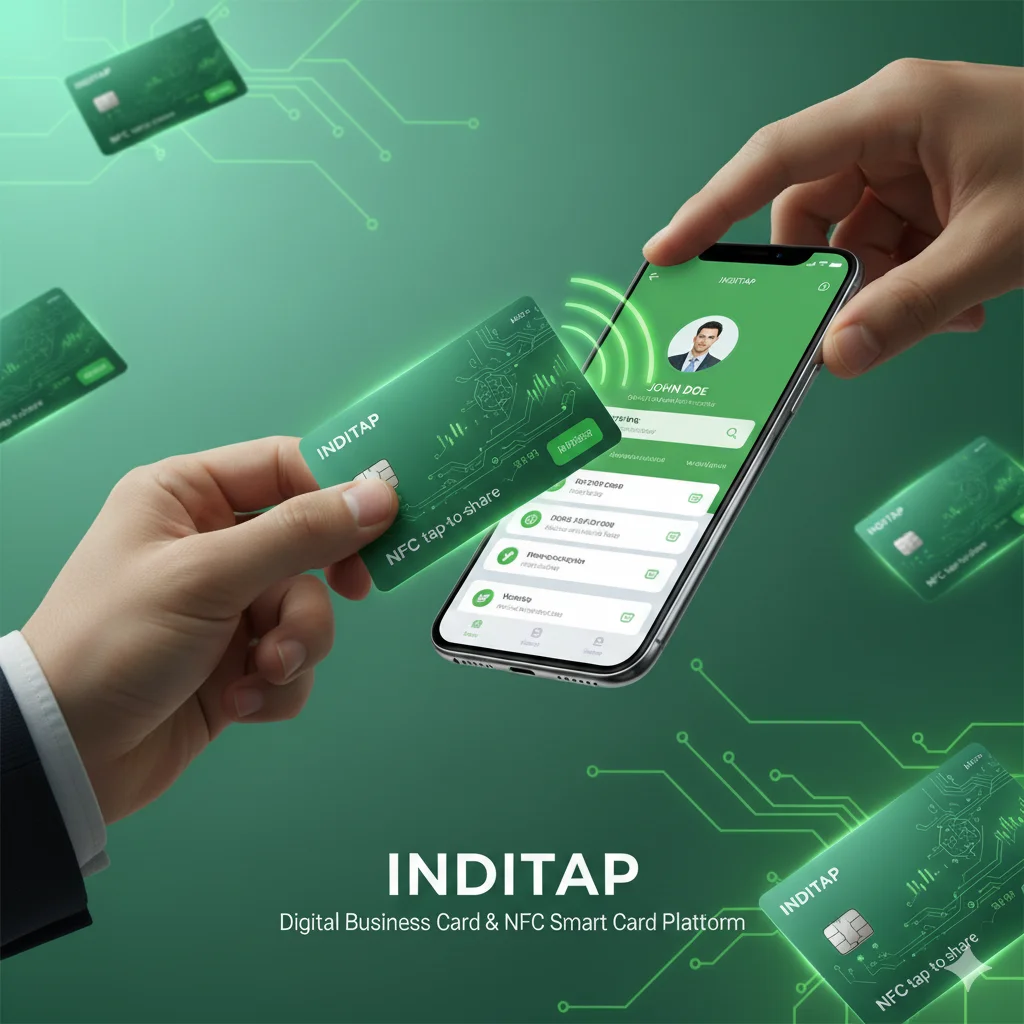 Most popular
NFC business card, PVCOur most popular card. Tap on any phone to open your profile. QR on the back.
₹249
Most popular
NFC business card, PVCOur most popular card. Tap on any phone to open your profile. QR on the back.
₹249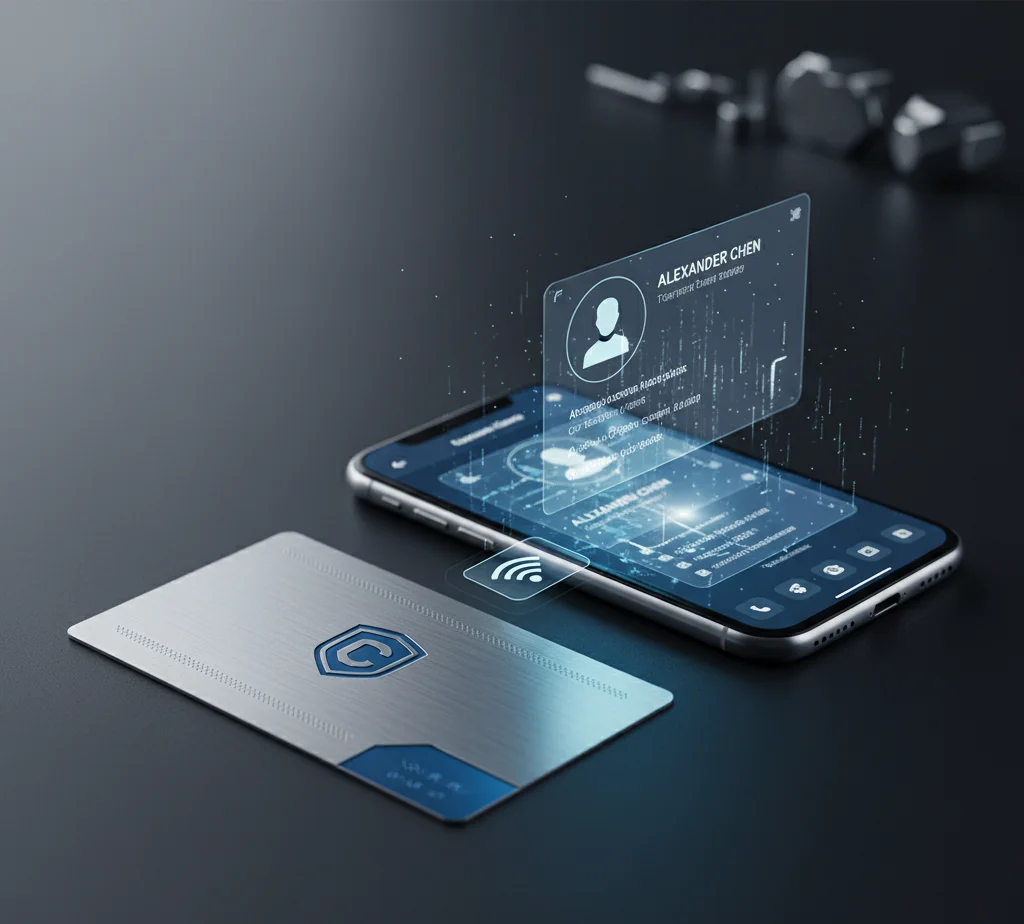 Premium
NFC business card, metalHeavy stainless steel card, laser engraved. Makes a lasting first impression.
₹749
Premium
NFC business card, metalHeavy stainless steel card, laser engraved. Makes a lasting first impression.
₹749Common questions
How fast is tapping compared with a paper card?
About two seconds: hold the card near the phone and the page opens. Saving the contact is one more tap.
What if the visitor's phone has no NFC?
They scan the QR code on the card with the camera. Every Inditap card has both.
Can we track leads from each salesperson?
Each card has its own page and insights. Enquiries from the form go to that person and show in their account.
Can we use our own design?
Yes. Our custom design card prints your artwork on both sides. Bulk discounts start at 10 cards.
What happens when a salesperson leaves?
You can pause their card or change it to show the new contact person. The physical card can be reused.
Do cards work through a lanyard pouch?
Usually yes, through thin plastic. Thick or metal holders can block NFC; the QR code still works.
Can we order 200 cards for a launch?
Yes. Ask for a quote on our business page with your quantity and date.
Is there a monthly fee per user?
No. The first year of each profile is included with the card, then a small yearly renewal.