9 ways to use NFC
Give the clinic number at the end of every consultation
Instead of a paper card that gets lost, the patient taps your card and saves "Dr Name, Clinic" with the right number, WhatsApp and address. Next time they need you, it is already in their contacts.
Let patients book the next visit themselves
Add your Practo, Calendly or clinic booking link as the first button. Patients book while still in the room, which cuts phone calls at the front desk.
Collect Google reviews at the reception desk
A review stand at the billing counter opens your Google review box directly. Patients who had a good experience can leave a review in under a minute, while they wait for the bill.
Share reports and prescriptions on WhatsApp
A WhatsApp button with a first message such as "Hi, please send my report" makes it easy for patients to reach the right number without searching.
Show timings, holidays and emergency contacts
Keep clinic hours and holiday notices on your page. Change them in seconds when the clinic is closed, and every card and stand shows the update.
Directions for first-time patients
A Directions button opens Google Maps to the clinic entrance. Add a landmark note in the address for buildings that are hard to find.
Fees by UPI at the counter
A UPI stand lets patients pay consultation fees without cash or card machines, and the money goes to the right account.
Doctors visiting multiple clinics
Put each clinic as a button with its own timings and map link. One card covers every location you practise at.
Health camps and corporate talks
At camps and talks, people tap your card to save your details and read a short note about your specialisation, instead of collecting leaflets.
What to put on your page
Keep it short. These are the buttons people look for first, in this order:
- Name with qualifications (e.g. MBBS, MD)
- Speciality and clinic name
- Call and WhatsApp buttons
- Book appointment link
- Clinic timings and address with map
- Google review link
- UPI ID for fees (optional)
Setup checklist
- Make your free page and add your clinic details (about 10 minutes).
- Add the booking link and Google review link. If you do not know your review link, we can find it for you.
- Order a card for each doctor and one review stand for the reception.
- Tap every card and stand on an iPhone and an Android phone before putting them out.
Mistakes to avoid
Putting your personal mobile on the card. Use the clinic number or a WhatsApp Business number, so patient messages go to the front desk.
Too many buttons. Five or six buttons are enough. Patients look for call, book and directions first.
Offering discounts for reviews. Google does not allow rewards in exchange for reviews. Simply ask patients who were happy with their visit.
Products that fit
 Most popular
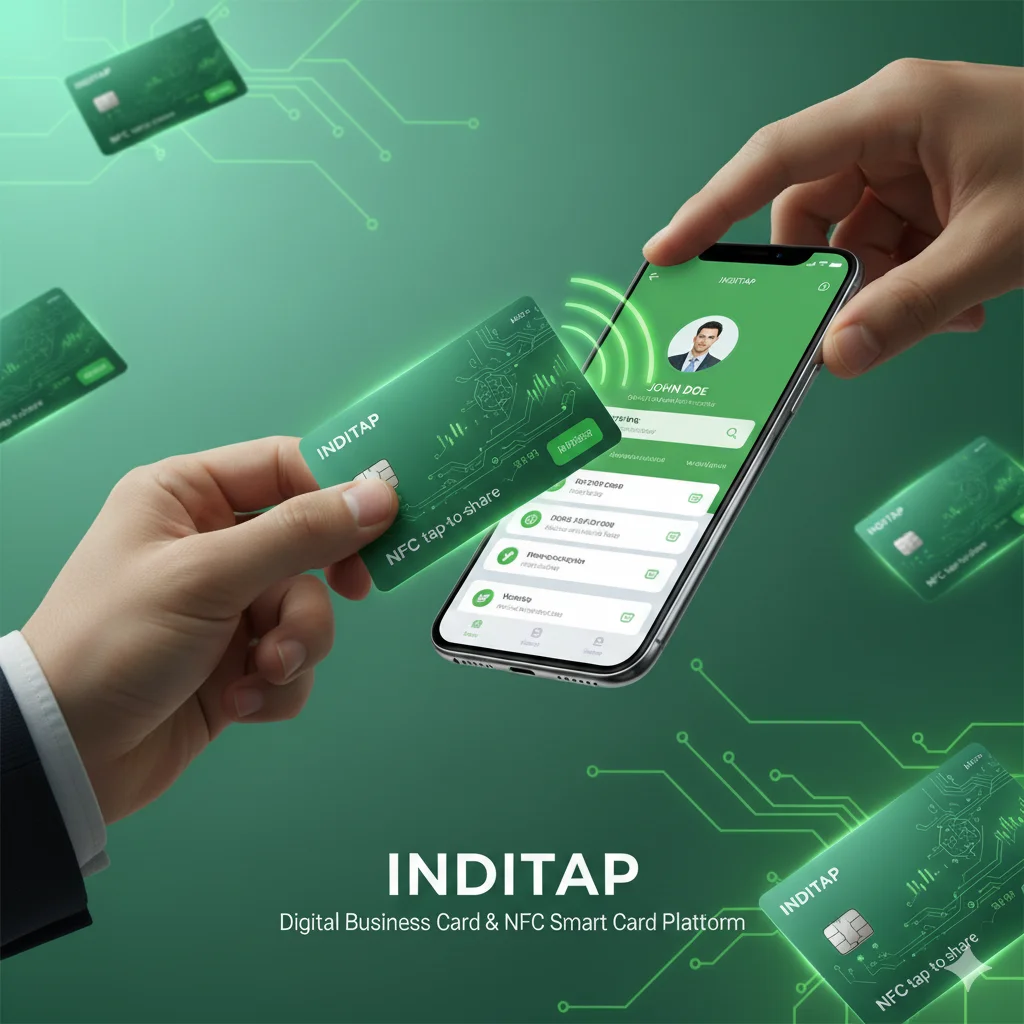
NFC business card, PVCOur most popular card. Tap on any phone to open your profile. QR on the back.
₹249
Most popular
NFC business card, PVCOur most popular card. Tap on any phone to open your profile. QR on the back.
₹249Common questions
Is an NFC card professional enough for a doctor?
Yes. The page is clean and only shows what you choose: your qualifications, clinic details and booking link. Many patients find it easier than reading a small paper card.
Do patients need an app?
No. iPhone XS and newer and most Android phones open it by tapping. Any phone camera can scan the QR code on the card.
Can older patients use it?
If tapping feels unfamiliar, they can scan the QR code with the camera, or your staff can tap it on the patient's phone for them.
Can I add more than one clinic?
Yes. Add each clinic as a link with its own address and timings.
Does it store patient data?
No. The card only opens your page. It does not read anything from the patient's phone. If you turn on the message form, messages come only to you.
How many reviews can a review stand bring?
It depends on how many patients you see and how often staff mention it. The stand removes the hardest step, which is finding your clinic on Google.
What does it cost?
A PVC NFC card with your page included for the first year and a Google review stand are listed in our shop with current prices. There is no monthly fee.
Can the clinic manage all doctors' cards?
Yes. Tell us which cards belong to the clinic and we manage them together: same design, central updates, and pausing a card when a doctor leaves.